
To enable Developer Options follow these steps:
- Open Settings.
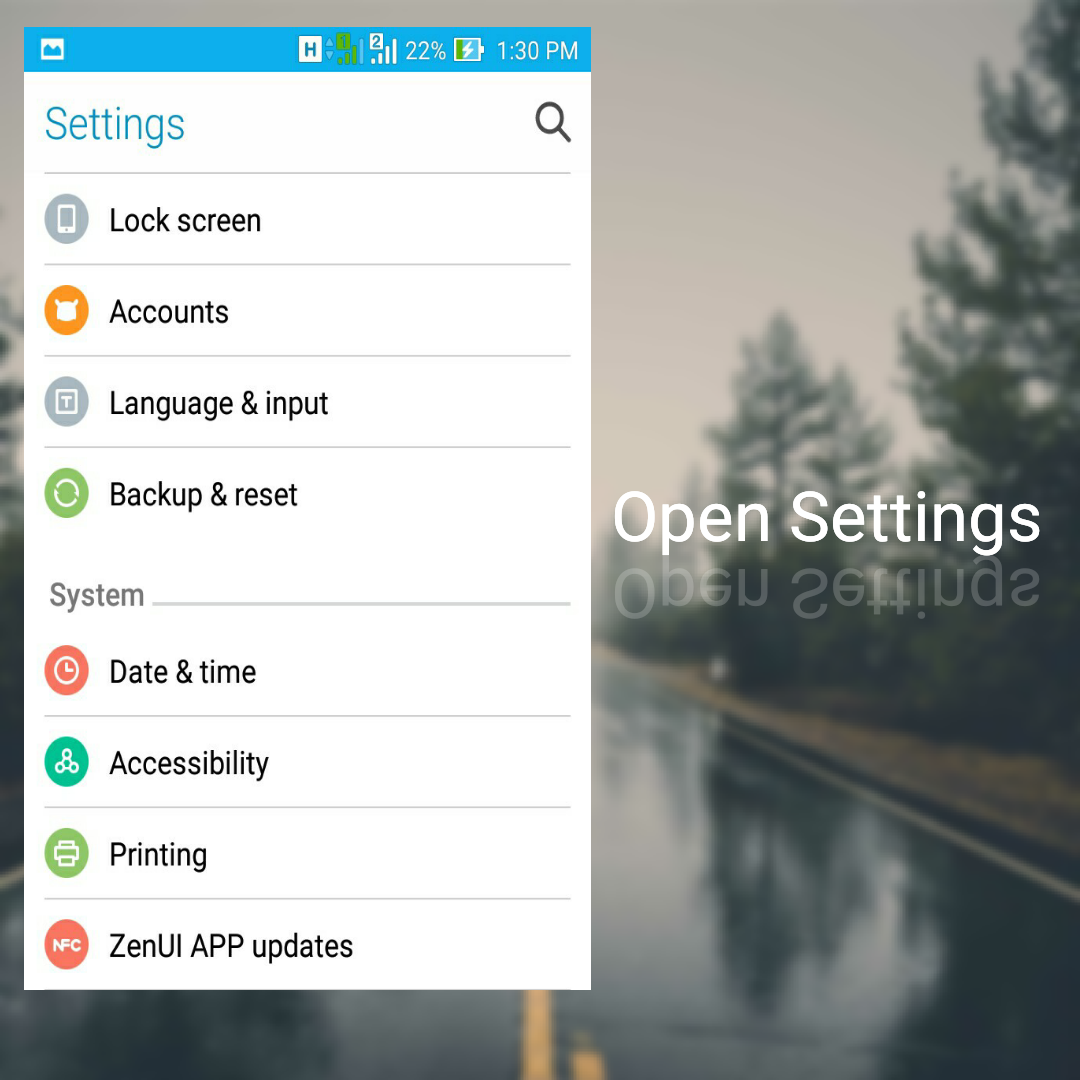
- Scroll down to find "About" or "Device Info".

- Open "About" option and look for "Software Information".

- Open Software Information option and find "Build Number".
- Tap 8 times on build number to enable "Developer Options".

- Go back to settings to see Developer Options in Settings.

Open Developer Options and check USB Debugging option to enable it.


